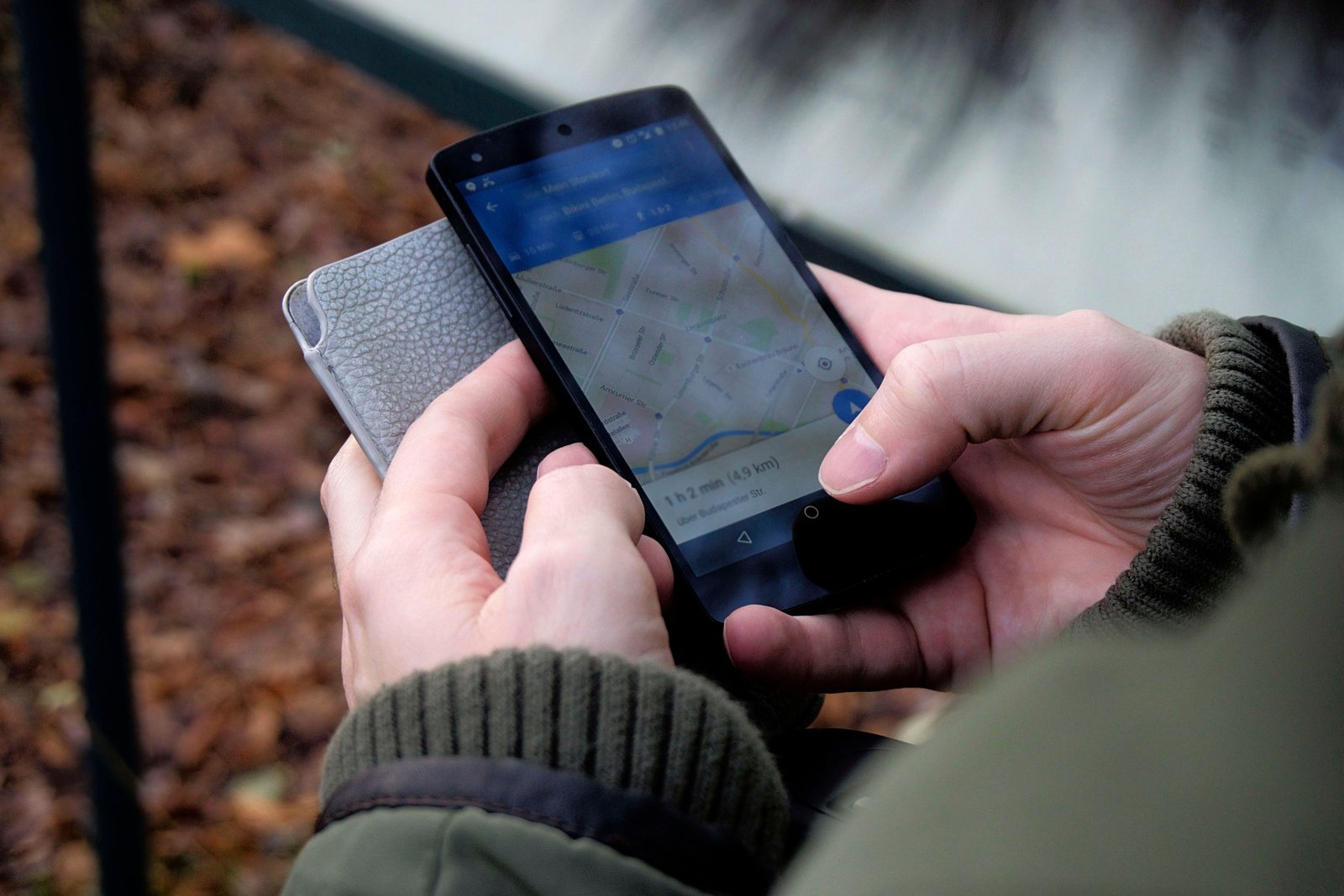
When planning a trip, one critical question pops up: how much data do i need for travel? Whether you’re using maps, messaging apps, or streaming music, data usage varies widely. Knowing your estimated needs helps avoid surprises and extra costs.
Understanding Your Data Usage While Traveling
First, it’s important to grasp what consumes most mobile data. Activities like checking email or browsing websites require little data. However, video calls, streaming videos, or using navigation apps use more data. For example, streaming a 1-hour video on standard quality can consume between 500MB and 1GB.
Furthermore, some apps refresh data automatically in the background, increasing your overall usage. To keep control, monitor your usual daily consumption home before traveling. Many smartphones offer built-in data trackers to help with this.
Estimating Data Needs Based on Travel Activities
Your data needs depend heavily on how you plan to use it. Consider the following approximate data consumption:
- Text messaging and emails: 10-20MB per hour
- Social media browsing: 120-150MB per hour
- Standard quality video streaming: 500MB to 1GB per hour
- Navigation apps: 5-10MB per hour
- Video calls: 200-300MB per 15 minutes
If you plan to use GPS apps extensively but avoid video and music streaming, you may only need about 1GB for a week. However, streaming daily or video chatting regularly means you’ll require 3GB or more.
Moreover, consider offline options. Downloading maps or playlists before departure can save huge data amounts during your trip.
Tips to Reduce Data Consumption on the Road
To make your data last longer, use these practical tips:
- Connect to Wi-Fi when available, such as hotels and cafes.
- Download important content before traveling.
- Disable automatic app updates and background data.
- Use data saver modes available on many smartphones.
- Limit video streaming quality to standard or lower settings.
- Turn off location services for apps that don’t need it.
Applying these measures will help you stay connected without exceeding your data plan. Ultimately, deciding how much data do I need for travel depends on your habits. Prepare accordingly and enjoy your journey worry-free.